
Key facts
- WordPress maintenance plans start at $49/month for core updates, daily off-site backups, and 24/7 monitoring with average incident response under 1 hour according to WPOPS.
- Freelance WordPress developers charge $80–$120 per hour on Codeable, with clients reporting $200 per break-fix incident before switching to care plans per Codeable rate data.
- Manual WordPress setup takes 15–20 hours for theme research, plugin selection, content writing, and configuration per DreamHost analysis.
- AI-assisted WordPress builders like ZipWP and 10Web generate standard WordPress sites in minutes while retaining full plugin and theme flexibility per DreamHost analysis.
- Agentic AI builders create sites in 2–3 minutes with hosting, security, and 24/7 support bundled, but require full rebuild if migrating away per DreamHost analysis.
- WordPress sites support standard export/import migration, while agentic AI platforms require content export and complete rebuild to leave per DreamHost analysis.
- AI Business Sites includes hosting, maintenance, 14+ monthly content pieces, CRM, voice/chat, and field-service invoicing for $497/month with 30-day exit and full code ownership.
WANT RESULTS LIKE THIS?
Imagine a system doing all of this for your local business — every day, without you.
We build local businesses a custom website with a team of AI behind it: every lead captured and followed up, new content published monthly,customers finding you on Google — live in 7 days.
- 85+ pages at launch
- Every lead followed up, automatically
- Your whole business on one screen
The Hidden Maintenance Bill Behind 'Free' WordPress
WordPress is free to download. It is not free to keep alive. The moment a site goes live, updates, backups, security monitoring and break-fix work start accruing, and owners feel it as a recurring bill they never budgeted for.
The maintenance market has productized that burden. WordPress care plans start at $49/month for core/theme/plugin updates, daily off-site backups with restore assist and 24/7 uptime monitoring, with average incident response under 1 hour. White-label plans run $79–$89/month with branded reporting. That is the baseline productized rate for keeping a standard site stable.
When something breaks outside a plan, the cost spikes. Codeable lists recommended rates of $80–$120 per hour for vetted WordPress developers, and client testimonials in the maintenance space describe paying a freelancer $200 every time something broke before moving to a care plan. One owner notes the care plan “pays for itself” after repeated $200 incidents.
Maintenance is framed as essential risk management, not optional polish. Providers highlight staged, tested updates versus DIY updates, 24/7 monitoring and support, and performance work tied to Core Web Vitals and SEO health checks. Ongoing website maintenance is presented as essential for security, speed and uptime, with businesses at risk of losing customers to downtime.
The hidden bill shows up as a mix of recurring and reactive costs:
- Productized care from $49/month for updates, backups and monitoring
- Freelancer support at $80–$120/hour for custom fixes
- Break-fix incidents reported around $200 per event
- Internal time spent coordinating updates, testing and restores
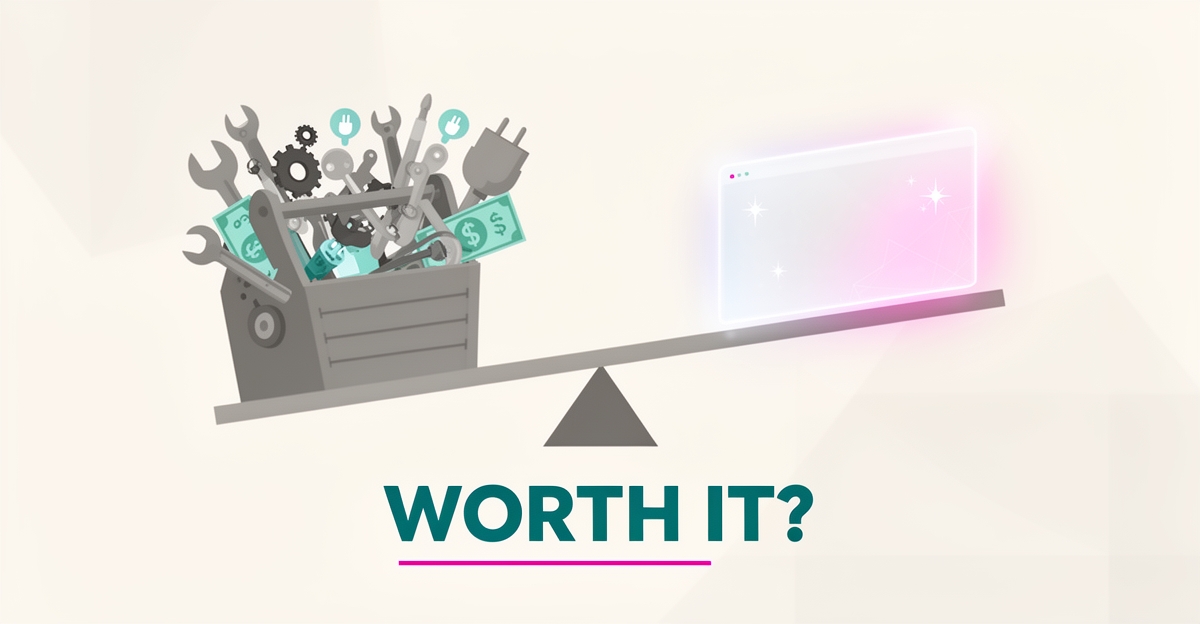
That is the real question behind “Is WordPress still worth using?” It is not about the install price. It is about total cost of ownership and who carries the upkeep risk.
The landscape now offers a different math. Agentic AI builders bundle hosting, updates, security and 24/7 human support into a flat monthly fee with zero-maintenance infrastructure, while WordPress paths keep migration freedom but retain user responsibility for core/plugin updates, backups and security unless managed hosting is purchased.
AI Business Sites sits in that fully managed lane. Instead of piecing together hosting, a maintenance retainer, a freelancer on call and separate content, the $497 monthly fully managed AI platform includes hosting and maintenance, 14+ new content pieces per month, CRM, chat and voice, and the jobs, quotes and invoicing loop — one price, managed by us. The comparison is not free versus paid. It is reactive upkeep versus a system that runs.
Why the WordPress vs AI Builder Debate Is the Wrong Question
The debate around WordPress versus AI builders misses the point because it compares a development method to a platform, not two equivalent options. As DreamHost’s analysis clarifies, the real choice involves three distinct paths: manual WordPress setup, AI-assisted WordPress that still produces standard WordPress sites, and agentic AI builders operating on closed platforms with built-in hosting and features. Each path carries different implications for ownership, maintenance, and long-term flexibility.
Manual WordPress setup typically requires 15–20 hours of work for theme research, plugin selection, content writing, and initial configuration, according to DreamHost’s breakdown. Once live, the site owner assumes responsibility for core updates, plugin maintenance, backups, and security unless they opt for managed hosting. This ongoing burden has fueled a productized maintenance market, with services like WPOPS offering core care starting at $49/month and incident response under an hour, while freelancer support ranges from $80–$120 per hour through platforms like Codeable.
In contrast, AI-assisted WordPress tools such as ZipWP or 10Web accelerate the initial build by generating a functional WordPress site in minutes, reducing content creation time from days to just 1–2 hours of editing. Crucially, these sites retain full access to the WordPress ecosystem — allowing theme changes, plugin installations, and direct code edits — meaning migration follows the standard export/import process if the owner ever chooses to leave.
Agentic AI builders, however, operate differently. They deliver complete sites in 2–3 minutes from a plain-English description, with hosting, security, updates, and 24/7 human support bundled into a flat monthly fee. But this convenience comes with trade-offs: limited plugin ecosystems, no access to underlying code, and the requirement to export content and rebuild the site entirely if migrating away. For businesses evaluating options, the decision isn’t about WordPress versus AI — it’s about choosing between a portable platform with shared maintenance responsibility, an AI-accelerated version of that same platform, or a closed system that eliminates infrastructure tasks at the cost of long-term flexibility. AI Business Sites positions itself within this landscape as a fully managed alternative that handles updates, backups, and security while preserving client ownership of code, content, and data — offering a middle path that avoids the pitfalls of both DIY WordPress maintenance and vendor lock-in.
Local business: doing this the old way?
One system replaces the whole pile.
All of it — the website, the follow-up, the content, the leads — built and run for you for $1,497 + $497/mo. Month-to-month, and you own everything.
See what your build includesOwnership and Migration: The Decision That Actually Matters
Most website comparisons obsess over features, pricing, and ease of use. But the question that matters most only becomes urgent when you want to leave: can you actually take your site with you?
This is where WordPress and closed AI platforms diverge sharply. According to DreamHost's analysis, WordPress sites support standard export/import migration, meaning you can pack up your content and move to a new host or developer using established tools. Agentic AI builders, by contrast, require content export and a full rebuild if you decide to leave their platform.
That difference isn't technical trivia — it's a business risk decision. If you spend two years building SEO equity and customer relationships on a platform you can't leave without starting over, you don't own your website. You're renting it.
The WordPress ecosystem offers genuine portability. Whether you built manually or used an AI-assisted WordPress builder like ZipWP or 10Web, the output is a standard WordPress site. You can export your database, transfer your files, and rebuild elsewhere. The same DreamHost analysis confirms that WordPress sites "migrate the standard WordPress way: export, transfer, done."
Closed platforms work differently. They bundle hosting, features, and support into a flat monthly fee, which sounds appealing until you realize the trade-off. When Lindo.ai promotes migration from WordPress, Webflow, and Wix to their platform, they're describing a one-way door. Once you're in, leaving means rebuilding from scratch.
Platform commitment is a real business decision, not a temporary experiment. Before you sign up for anything, ask what "owning your site" actually means:
- Can you export your content, customer data, and design files?
- Is your domain registered in your name, under your control?
- If the platform shuts down or you cancel, what happens to your site?
- Can another developer take over, or are you locked to one vendor?
- Do you own the code, or just access to it while you pay?
WordPress answers most of these questions well. You own the files, the database, and the domain. You can hire any of the 500+ vetted WordPress developers on Codeable to take over your site, or move it to a new host without asking permission.
That freedom comes with responsibility — updates, backups, security monitoring. But for businesses that prioritize control and long-term flexibility, owning your exit strategy matters as much as owning your content. AI Business Sites builds on open technologies like React and Next.js for exactly this reason: clients own the code, the content, and the data, with a full export available if they ever leave.
The real question isn't whether WordPress is perfect. It's whether you're willing to trade portability for convenience — and whether you'll still feel good about that trade in three years.
How to Decide: A Total-Cost-of-Ownership Framework
How to Decide: A Total-Cost-of-Ownership Framework
WordPress may start with a low hosting bill, but the real cost shows up in the hours and fees spent keeping it running. Ongoing maintenance isn’t optional—it’s a recurring burden that scales with your site’s complexity and your tolerance for risk. Productized WordPress maintenance plans start at $49/month and include staged updates, daily off-site backups, and 24/7 monitoring with incident response under one hour, according to industry providers. For owners who prefer freelancer support, rates typically range from $80 to $120 per hour, with some reporting $200 per break-fix incident when things go wrong.
To decide whether WordPress is still worth using, calculate your total cost of ownership by adding three layers: recurring maintenance expenses, the value of your own time spent on updates or troubleshooting, and the cost of downtime or security risks you’re willing to accept. If you’re managing updates yourself, track how many hours you spend each month on plugin compatibility checks, backup verification, and emergency fixes—then multiply that by your hourly rate. If you outsource, compare maintenance plans based on coverage: do they include real-time monitoring, guaranteed response times, and proactive speed optimization? Services like WPOPS emphasize these features as standard, linking them directly to measurable improvements in site stability and performance.
For owners who don’t want a technical project, the alternative is a flat-fee managed platform. AI Business Sites offers a done-for-you model at $497/month that includes hosting, maintenance, security, daily backups, and 24/7 system monitoring—plus an AI-powered back office that handles content, leads, and customer follow-up. Unlike WordPress, where maintenance is a separate, ongoing task, this model bundles infrastructure and support into one predictable price. You own everything—code, content, domain, and data—and can leave with 30 days’ notice, taking your site with you. The trade-off is less plugin flexibility, but for many small businesses, the gain is freedom from constant upkeep. Free is only free if your time is—and for owners focused on running their business, not their website, that time has a price.
Frequently Asked Questions
Is WordPress really free to use?
How much does WordPress maintenance actually cost per year?
Can I take my website with me if I leave an AI website builder?
What's the difference between AI website builders and WordPress?
How long does it take to build a WordPress site myself?
What should I look for before committing to a website platform?
The Real Cost of Keeping Your Website Alive
When evaluating whether WordPress is still worth using, the answer hinges less on the platform itself and more on what you’re willing to manage over time. The article broke down the hidden maintenance bill—from productized care plans starting at $49/month to freelancer rates of $80–$120 per hour and break-fix incidents averaging $200 each. It contrasted that with fully managed alternatives like AI Business Sites, which bundles hosting, maintenance, security, content generation, CRM, and field-service tools into a predictable $497/month fee while ensuring you own your code, content, and data. For business owners focused on serving customers—not debugging plugins—the trade-off isn’t about convenience versus control, but about where you choose to spend your time. If you’d rather invest hours in growing your business than maintaining your website, the next step is simple: book a free strategy call to see how a fully managed system could work for you. Schedule your no-obligation conversation today and discover what it means to have a website that runs the business behind it.
FOR local businesss — BUILT AND RUN BY US
Your website. Your content. Your leads. Your data.
$500 starts your build. Seven days later it's live — chat, booking, follow-up, and your Google presence all set up. Then we run it, every month. You do the work you actually get paid for.