
Key facts
- Only 2% of leads close on the first touchpoint according to Keap research
- Top sales teams need an average of five touches to convert a prospect per Artisan's analysis
- 80% of sales require at least five follow-up calls based on Keap's findings
- 70% of business leaders spend 45 minutes to 3 hours daily on repetitive tasks reports LeadsBridge
- 90% of text messages are read within 3 minutes according to Keap data
- Marketing automation drives a 451% increase in qualified leads per Keap's research
- Businesses save 10 hours every two weeks per 10 leads managed manually with automated follow-up systems
WANT RESULTS LIKE THIS?
Imagine a system doing all of this for your local business — every day, without you.
We build local businesses a custom website with a team of AI behind it: every lead captured and followed up, new content published monthly,customers finding you on Google — live in 7 days.
- 85+ pages at launch
- Every lead followed up, automatically
- Your whole business on one screen
The Lead Leakage Crisis: Why Manual Follow-Ups Fail
Most businesses don't lose leads because prospects aren't interested — they lose them because follow-up is slow, inconsistent, or dependent on someone manually remembering what to do next. Research from LeadsOrbit confirms this is the primary cause of lead leakage for small businesses, and the numbers back it up: only 2% of leads close on the first touchpoint, while top sales teams need an average of five touches to convert according to Artisan's analysis. Meanwhile, Keap reports that 80% of sales require at least five follow-up calls — a volume no busy owner can reliably manage by hand.
- Manual follow-up creates gaps — leads go cold while you're on a job site or asleep
- Inconsistent timing means some prospects hear from you three times, others never
- No centralized tracking means you can't see where any lead stands in real time
- Repetitive tasks consume 45 minutes to 3 hours daily for 70% of business leaders
LeadsBridge data shows that 70% of business leaders spend 45 minutes to 3 hours every day on repetitive tasks — time that could be spent closing deals instead of chasing them. The problem compounds when leads come from multiple channels: web forms, phone calls, chat, bookings, and referrals each land in different places, making it nearly impossible to respond instantly and personally to every inquiry. Monday.com notes that tracking reply rates, lead response time, and pipeline velocity becomes guesswork without a unified system. AI Business Sites addresses this by building websites that capture every job request — regardless of source — and route it into a single pipeline where automated, personalized follow-up sequences begin immediately, so no lead slips through the cracks while you're focused on the work.
The AI-Powered Solution: Integrated Website Automation
Most small businesses don't lose leads because nobody's interested — they lose them because follow-up is slow, inconsistent, or dependent on someone manually remembering what to do next. Research shows that only 2% of leads close on the first touchpoint, while top sales teams need an average of five touches to convert a prospect (Keap). Meanwhile, 70% of business leaders spend 45 minutes to 3 hours daily on repetitive tasks that automation could handle (LeadsBridge). The gap between what's possible and what's typical is where leads disappear.
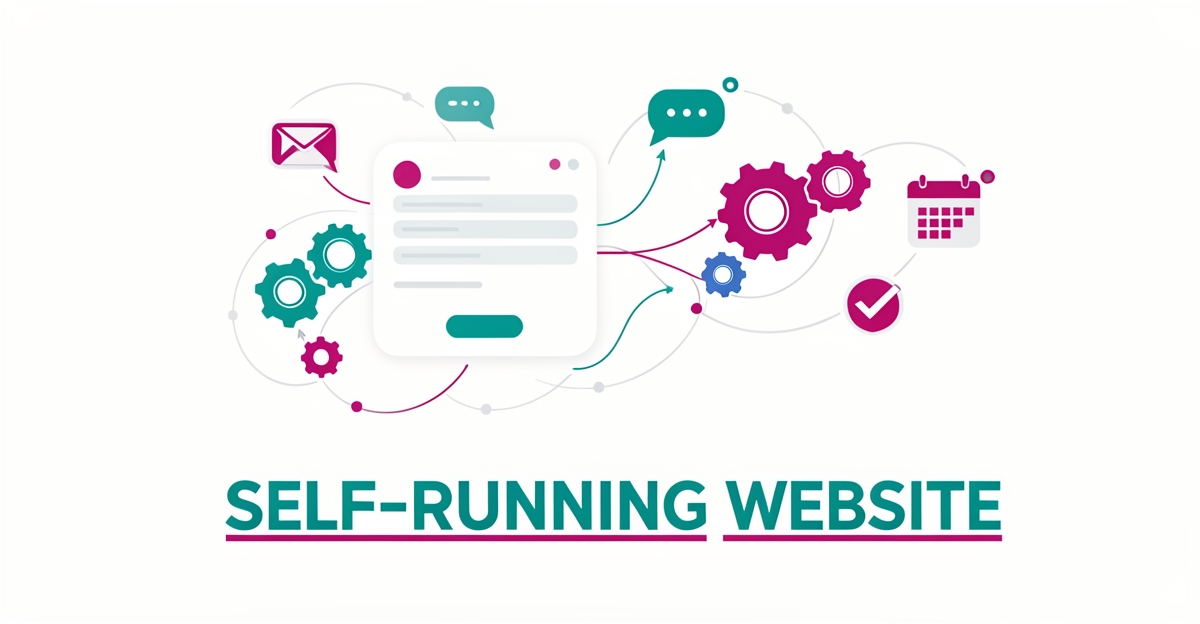
The solution isn't adding another tool to the stack — it's building the automation directly into the website itself. An integrated system captures every job request from forms, chat, phone calls, bookings, and external webhooks, then funnels them into a single CRM pipeline with instant, personalized responses (LeadsOrbit). From there, a visual automation builder handles the busywork: tagging leads, moving them through stages, sending multi-channel follow-ups at the right intervals, and alerting the business owner only when human judgment is actually needed. This mirrors the three-stage framework automation experts recommend — capture, welcome, and long-term nurture — while keeping the business in control (Keap).
- All lead sources — web forms, voice calls, chat, bookings, webhooks — land in one CRM pipeline instantly
- Multi-channel follow-up sequences (email, SMS, voice) trigger automatically based on lead behavior and timeline
- Human-in-the-loop approval ensures AI-drafted communications stay accurate and on-brand before sending
- Visual, no-code automation builder lets the owner adjust sequences without developer help
- AI grounded in the business's verified knowledge base (via RAG) references uploaded documents across sessions
This is the architecture behind AI Business Sites: a custom website that doesn't just sit there, but actively captures, qualifies, and follows up on every job request — from initial contact through delivery confirmation. The automation runs on a platform that replaces what would otherwise be eight or ten separate subscriptions, with the AI assistant handling CRM updates, document generation, project creation, and client approvals through simple conversation. monday.com notes that tracking reply rates, lead response time, and pipeline velocity is crucial for optimizing these systems (monday.com), and automated weekly summaries with AI-generated recommendations keep the owner informed without drowning in dashboards. The result: fewer missed leads, faster response times, and a business that follows up on its own — even when the owner is on a job site.
Local business: doing this the old way?
One system replaces the whole pile.
All of it — the website, the follow-up, the content, the leads — built and run for you for $1,497 + $497/mo. Month-to-month, and you own everything.
See what your build includesImplementation Blueprint: From Setup to Success
Setting up an automated system for job requests and client follow-ups starts with a website designed to capture every interaction—whether through a web form, live chat, phone call, or booking—and instantly route it into a unified CRM pipeline. This ensures no lead slips through the cracks due to delayed or inconsistent responses, a problem affecting most small businesses where only 2% of leads close on the first touchpoint. AI Business Sites builds this foundation into every custom website, integrating lead capture directly with the backend automation so every inquiry triggers an immediate, personalized response.
The next step is configuring a visual automation builder to handle the follow-up sequence without requiring code or IT support. Using drag-and-drop tools, business owners can set up triggers like "new lead received" or "email opened" and actions such as sending a welcome email, scheduling an SMS reminder, or tagging a lead for sales outreach. Platforms like those referenced in the research enable this simplicity, with over 200 integrations available to connect email, SMS, and voice channels—critical since 90% of text messages are read within 3 minutes and 80% of sales require at least five follow-up calls. Starting with a three-stage sequence—capture, welcome, and nurture—allows for consistent, multi-channel outreach that builds trust over time.
To maintain accuracy and brand consistency, all AI-generated communications should be grounded in the business’s verified knowledge base using Retrieval-Augmented Generation (RAG), pulling from uploaded documents like price sheets, service guides, or past contracts. This prevents hallucinations and ensures replies reflect real expertise, not generic AI guesses. Finally, track core metrics like reply rates, lead response time, and pipeline velocity through automated weekly summaries that include AI-generated recommendations. Businesses using similar systems report saving 10 hours every two weeks per 10 leads managed manually, turning administrative overload into streamlined operations. With AI Business Sites, this entire setup—from website to workflow—is built in, owned outright, and designed to run with minimal oversight.
Frequently Asked Questions
Why do most small businesses lose leads, and how can automation help?
How many follow-up attempts are typically needed to convert a lead?
What is the impact of manual repetitive tasks on small business leaders' time?
Can an AI-powered website really handle all my lead follow-ups and client communications?
How does an AI Business Site differ from a regular website in terms of ownership and functionality?
What kind of efficiency gains can I expect from implementing an automated system like AI Business Sites?
Turn Your Website Into a Lead-Working Machine
The article has shown how manual follow-up drains time and leaks leads, with only 2% of prospects converting on first contact and top performers needing five touches to close a deal. By building automation directly into your website—capturing every job request from forms, calls, chat, or bookings and routing it into a unified CRM—you eliminate delays and inconsistency. Visual automation handles multi-channel follow-up at the right intervals, while AI drafts responses grounded in your verified knowledge base, keeping humans in the loop for accuracy. This isn’t about adding another tool; it’s about creating a website that actively works for you, saving hours each week and ensuring no lead slips through while you’re on the job. To start, map your current lead sources and define a simple three-stage sequence: instant welcome, value-driven nurture, and timely check-ins. Then, let the system run, reviewing only what needs your judgment. See how AI Business Sites builds websites that capture, qualify, and follow up on every job request—so your site doesn’t just sit there, but runs your business with you.
FOR local businesss — BUILT AND RUN BY US
Your website. Your content. Your leads. Your data.
$500 starts your build. Seven days later it's live — chat, booking, follow-up, and your Google presence all set up. Then we run it, every month. You do the work you actually get paid for.