
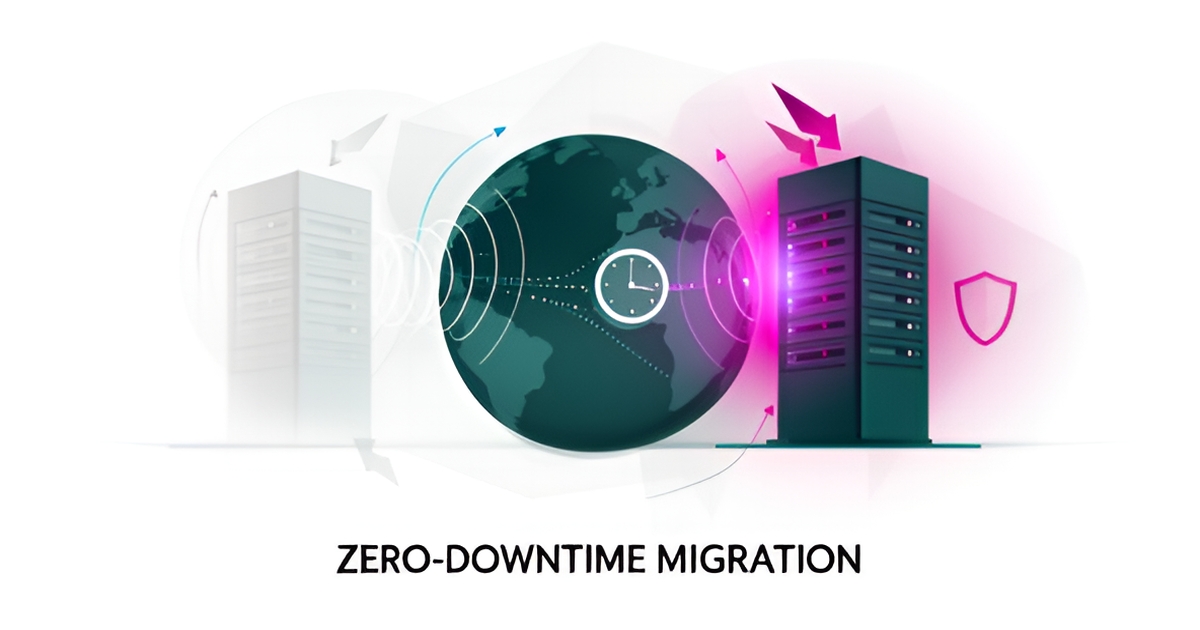
Key facts
- Lowering DNS TTL to 300 seconds 24–48 hours before migration enables zero downtime by accelerating traffic shift per Pantheon's migration guide
- Manual migration for small WordPress sites typically takes 1–3 hours, but significantly longer for larger or complex setups according to migration experts
- Keeping the old host active for 7–14 days post-migration provides a critical rollback safety net as recommended by Pantheon
- AI-assisted migration with human review of outliers eliminates many sources of human error in complex final layers per Datafold's endorsed process
- Temporary SEO ranking fluctuations after migration are normal, often recovering within a few weeks but sometimes longer based on Pantheon's guidance
- Plugin-based migration tools work best for simple WordPress sites under a few gigabytes with standard configurations per Pantheon's migration guide
- Managed migration services are ideal for multisite networks, large databases, or when downtime directly impacts revenue according to Pantheon's guidance
WANT RESULTS LIKE THIS?
Imagine a system doing all of this for your local business — every day, without you.
We build local businesses a custom website with a team of AI behind it: every lead captured and followed up, new content published monthly,customers finding you on Google — live in 7 days.
- 85+ pages at launch
- Every lead followed up, automatically
- Your whole business on one screen
Why Website Migrations Fail (And What Actually Causes Downtime)
When business owners imagine a website migration going wrong, they picture corrupted files or a broken database. In reality, the transfer itself is rarely the problem — the danger lives in the window when traffic shifts from the old server to the new one.
According to Pantheon's WordPress migration guide, the greatest risk isn't moving files or importing a database — it's the DNS propagation window, when visitors are routed between servers and sequencing matters most. Get that window wrong, and customers hit error pages while your site technically "exists" in two places.
The fix is preparation, not speed. Pantheon's guidance is blunt: zero downtime is achieved by how you prepare, and the order of steps matters — especially the first one. Lower your DNS TTL (time to live) to 300 seconds at least 24–48 hours before the move, so that when you're ready to switch, traffic redirects to the new server in minutes instead of hours.
That's also where most DIY attempts fall apart. The migration itself might take a small-site owner one to three hours, but the preparation discipline — DNS timing, cache strategy, rollback planning — is what separates a smooth cutover from a costly one. Pantheon notes that managed or professional migration services exist precisely for situations involving complexity, large databases, or downtime that costs revenue.
The same preparation logic extends to what happens after launch:
- Flush permalinks and clear every cache layer so the new server serves fresh, correct pages
- Test transactional emails and cron jobs — the invisible machinery that often breaks silently
- Keep the old host active for 7–14 days as a rollback safety net
- Manage new data carefully during that window to avoid split data if you need to roll back
There's a lesson here from the data-migration world, too. At Datafold, a validated process of automated translation, automated validation, and human review of outliers is endorsed by data engineers as the recommended way to run any migration — because it's faster, more accurate, and eliminates many sources of human error where mistakes matter most.
This is why preparation-heavy migrations are often better handled by a team that does them routinely. At AI Business Sites, migrations and rebuilds are managed end-to-end for clients — and because clients own their code, content, data, and domain outright, there's no lock-in on either side of the move. If you'd rather not learn DNS TTL timing by trial and error, a free strategy call is a good place to start the conversation.
Choosing the Right Migration Path: Plugin, Manual, or Managed Service
Not all website migrations are created equal. The path you choose depends on your site's complexity, your technical comfort level, and how much downtime your business can afford.
According to Pantheon's migration guide, there are three primary approaches: plugin-based tools for straightforward sites, manual migration for full control, and managed services for complex environments. Each carries different risks and requirements.
Plugin-based migration works well for simple WordPress sites with standard configurations. These tools automate the transfer of files and databases, making them accessible to non-technical users. However, they struggle with large databases, multisite installations, or custom server configurations.
Manual migration gives you complete control over every step. You export your database, transfer files via FTP, update configuration files, and handle DNS changes yourself. This approach typically takes 1–3 hours for small sites, but significantly longer for larger or more complex setups, according to migration experts. It requires comfort with database management, file transfer protocols, and server settings.
Managed or professional migration makes sense when you're dealing with complexity — multisite networks, large databases, e-commerce functionality, or situations where downtime directly impacts revenue. Professional services handle the technical heavy lifting while you focus on running your business.
Here's what each path requires:
- Plugin tools: Install, configure, run — best for basic sites under a few gigabytes
- Manual process: Database export, file transfer, DNS updates, URL replacement, testing
- Managed service: Hand off credentials, approve the plan, review before launch
The research is clear on one point: business owners without technical expertise should avoid DIY migration methods. The risks are too high. A single mistake during DNS cutover can take your site offline for hours. A botched database import can corrupt customer data. An overlooked 301 redirect can tank your search rankings.
This is exactly why AI Business Sites handles migration as part of our done-for-you service. We manage the entire process — from lowering your DNS TTL 24–48 hours before the move to keeping your old host active for 7–14 days as a safety net, following the industry-standard preparation steps that prevent downtime.
You shouldn't need to understand serialized data, DNS propagation windows, or rollback procedures to move your website safely. That's our job. Yours is running your business.
Local business: doing this the old way?
One system replaces the whole pile.
All of it — the website, the follow-up, the content, the leads — built and run for you for $1,497 + $497/mo. Month-to-month, and you own everything.
See what your build includesPost-Migration Steps That Protect Your Site and SEO
After the migration goes live, the work isn't done—validation is critical to protect your site and SEO. This phase ensures everything functions correctly and prevents ranking drops from broken links or indexing issues.
Start by flushing permalinks in your CMS to reset URL structures and clear all cache layers—including server, plugin, and CDN caches—to serve fresh content. Test transactional emails (like order confirmations) and cron jobs (scheduled tasks) to confirm automations still trigger correctly. These steps catch silent failures that could disrupt user experience or backend processes.
Next, implement 301 redirects for any changed URLs to preserve link equity and guide users and search engines to the correct pages. If you’ve moved domains, submit a "Change of Address" request in Google Search Console to help Google update its index efficiently. Finally, keep the old host active for 7–14 days as a rollback safety net while monitoring for issues, as research shows this window is essential for recovery if problems arise post-migration. Pantheon’s migration guide emphasizes that these validation steps are not optional—they’re how you avoid the most common post-migration pitfalls. For AI Business Sites clients, this process is managed end-to-end, but understanding these steps highlights the technical care behind a seamless transition.
Frequently Asked Questions
What actually causes downtime during a website migration?
How far ahead should I lower my DNS TTL before a migration?
Do I need to keep my old host after the site goes live?
What post-migration checks protect SEO and prevent silent failures?
Plugin, manual, or managed migration — which should I choose?
Is it safe to use raw SQL find-and-replace when changing domains?
Move With Confidence, Not Guesswork
A website migration isn’t risky because of file transfers — it’s risky in the DNS propagation window when traffic shifts between servers, and the order of preparation decides whether customers see a clean site or an error page. Lowering your DNS TTL to 300 seconds 24–48 hours before the move, validating permalinks, caches, emails and cron jobs after launch, and keeping the old host live for 7–14 days as a rollback safety net are the preparation steps that separate a smooth cutover from costly downtime. For owners without technical bandwidth, the safest path is a managed migration that handles sequencing, serialization-safe URL updates, 301 redirects and Search Console changes while you focus on the business. That’s how AI Business Sites approaches migrations end-to-end — with clients owning their code, content, data and domain outright. If you’d rather not learn DNS timing by trial and error, book a free strategy call to map a zero-downtime plan for your site.
FOR local businesss — BUILT AND RUN BY US
Your website. Your content. Your leads. Your data.
$500 starts your build. Seven days later it's live — chat, booking, follow-up, and your Google presence all set up. Then we run it, every month. You do the work you actually get paid for.