
Key facts
- WordPress powers 43.1% of all websites on the internet, making it the world's dominant CMS.
- 77% of WordPress sites are vulnerable due to outdated plugins, a hidden risk for DIY beginners.
- Beginners face choice paralysis with over 59,000 free plugins in the official WordPress repository.
- Plugins and themes account for 99% of WordPress vulnerabilities, with plugins alone causing 98%.
- 7.7% of WordPress sites still run versions 4.9 or earlier, leaving them exposed to known security flaws.
- Elementor's drag-and-drop builder powers 22.4% of all WordPress websites, proving no-code editing is central to the platform.
- SeedProd's AI website builder can generate an entire website in under 60 seconds.
WANT RESULTS LIKE THIS?
Imagine a system doing all of this for your local business — every day, without you.
We build local businesses a custom website with a team of AI behind it: every lead captured and followed up, new content published monthly,customers finding you on Google — live in 7 days.
- 85+ pages at launch
- Every lead followed up, automatically
- Your whole business on one screen
Why WordPress Feels Beginner-Friendly at First Glance
WordPress earns its beginner-friendly reputation the moment you log in. The dashboard feels familiar, the menus make sense, and the platform’s open-source nature means you can start building without paying for software licenses or writing a single line of code.
The numbers back up this first impression. WordPress powers 43.1% of all websites on the internet, and its dominance in the CMS market sits at 62.8% — nearly ten times larger than Shopify’s 6.5% share. When a platform commands that level of adoption, beginners naturally assume the path forward will be smooth.
Much of that perceived ease comes from the no-code ecosystem. The default block editor handles complex layouts — full-width rows, background images, multi-column designs — without touching HTML or CSS. Tools like Elementor extend that simplicity further, offering a visual page builder that lets just about anyone make well-designed pages. Elementor alone powers 22.4% of all WordPress websites, a testament to how central drag-and-drop editing has become to the beginner experience.
The broader ecosystem reinforces this sense of accessibility:
- Over 60,000 free plugins extend functionality without custom development
- More than 11,731 free themes provide instant design starting points
- AI-assisted tools like SeedProd can generate entire websites in under 60 seconds
- Setup wizards in plugins like AIOSEO configure technical SEO settings in minutes
Community support adds another layer of confidence. WPBeginner’s Facebook group alone has grown to over 416,000 members, creating a massive knowledge base where beginners can find answers to nearly any question. This combination of free resources, visual tools, and peer support makes WordPress feel approachable before you’ve built your first page.
The perception is real — but it’s also incomplete. That initial smoothness can mask the complexity waiting underneath, especially when it comes time to choose plugins, manage updates, and keep everything running securely. At AI Business Sites, we’ve seen how quickly that beginner-friendly surface can give way to setup burden, which is why our done-for-you build includes pre-configured tools and training that remove the guesswork entirely.
The Hidden Friction: Choice Paralysis and Maintenance Burden
The Hidden Friction: Choice Paralysis and Maintenance Burden
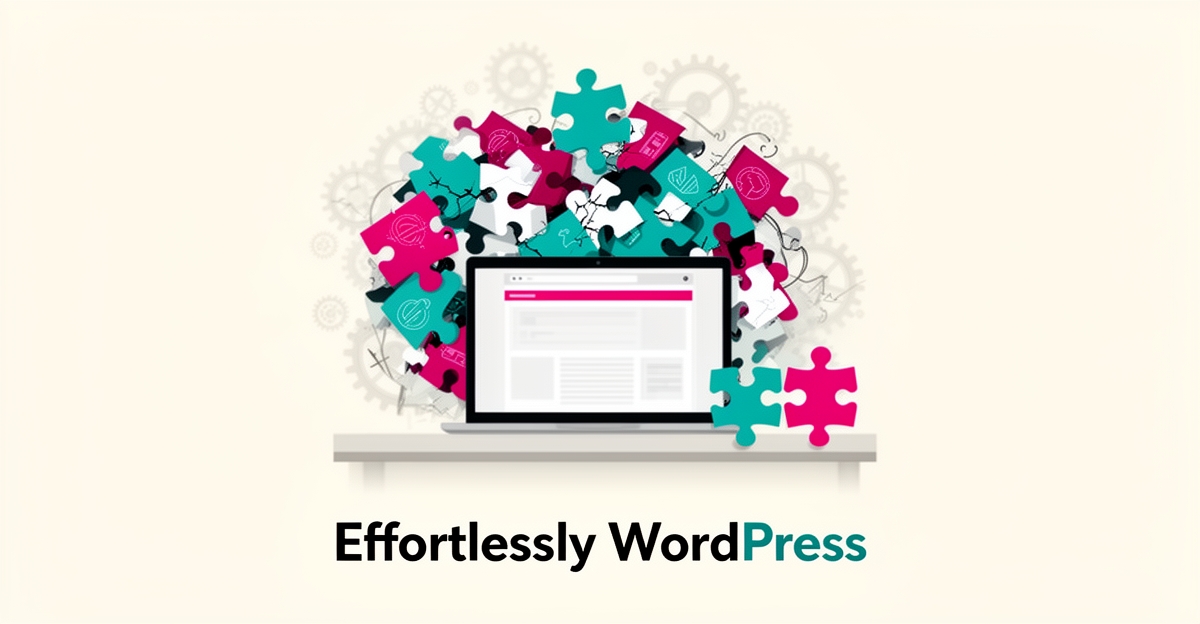
WordPress presents itself as beginner-friendly, but the reality for new users often involves hidden friction that turns simplicity into overwhelm. The official plugin repository alone contains over 59,000 free options, creating genuine choice paralysis for beginners trying to determine what they actually need. Every active plugin installed increases maintenance requirements, impacts site performance, and expands the attack surface for potential security issues.
This complexity is compounded by widespread version fragmentation and unmaintained components. Currently, 7.7% of WordPress sites still run outdated core versions 4.9 or earlier, leaving them exposed to known vulnerabilities. Even more concerning, 77% of WordPress sites are vulnerable due to outdated plugins, with plugins and themes accounting for 99% of all vulnerabilities—98% stemming specifically from plugins. For beginners without technical expertise, managing updates, monitoring for abandoned plugins, and assessing compatibility becomes an ongoing burden rather than a one-time setup task.
AI Business Sites eliminates this friction by handling plugin selection, updates, and security monitoring as part of the managed service. Instead of navigating thousands of options or worrying about maintenance gaps, clients receive a pre-configured, secure foundation with essential functionality already integrated—allowing them to focus on running their business rather than maintaining their website.
Local business: doing this the old way?
One system replaces the whole pile.
All of it — the website, the follow-up, the content, the leads — built and run for you for $1,497 + $497/mo. Month-to-month, and you own everything.
See what your build includesHow Done-For-You Setup Removes the Beginner Burden
Every one of those beginner headaches — plugin overload, update anxiety, hosting setup — traces back to the same root problem: the DIY model asks a business owner to become a part-time web administrator. A done-for-you approach inverts that. Someone else picks the tools, applies the updates, and handles the technical layer, so the beginner's only job is running their business.
The scale of the problem explains why. The official repository alone contains over 59,000 free WordPress plugins, and experts warn that this choice paralysis makes it very hard for new users to pick the right ones. Worse, every active plugin adds maintenance, performance, and security surface area — which is why research shows 77% of WordPress sites are vulnerable due to outdated plugins.
A managed build solves each friction point directly:
- Pre-vetted plugin stacks — instead of choosing from 59,000 options, the build ships with a minimal, tested set covering SEO, forms, security, and performance.
- Automated maintenance — updates, backups, and security monitoring happen without the owner lifting a finger, eliminating the outdated-plugin risk that catches most DIY sites.
- AI-assisted creation — forms, pages, and content are generated for you, extending the trend where tools like WPForms now offer AI-powered form building to speed up setup.
- Managed hosting — specialized hosting removes the self-hosting barrier entirely, so there's no server to configure or keep patched.
This is the model AI Business Sites applies to its clients. A one-time $1,497 setup builds the entire site — 85+ pages live within 7 days — and a $497/month managed service keeps hosting, updates, and 14+ new content pieces every month handled by the team behind it. The owner never touches a plugin screen or an update prompt.
The payoff is measurable. Where 7.7% of WordPress sites still run versions so old they predate the modern block editor, according to WordPress statistics, a managed site simply never falls behind. And where a DIY beginner might spend weeks assembling plugins, themes, and hosting before publishing anything, a done-for-you build goes live in days.
None of this means beginners can't learn WordPress — thousands do, aided by no-code builders and communities like WPBeginner's Facebook group with over 416K members. It means they shouldn't have to. When the goal is a website that generates leads for a working business, the fastest path isn't learning the stack. It's handing the stack to someone whose job is running it — and keeping your hands on the business instead.
Frequently Asked Questions
Is WordPress actually easy for beginners to use?
How many plugins and themes are available for WordPress?
What are the biggest hidden challenges of running a WordPress site myself?
Can AI tools make building a WordPress site faster?
Where can beginners get help with WordPress?
Should I learn WordPress myself or hire someone to build my site?
Easy for Whom? Choosing the Path That Fits Your Business
So, how easy is WordPress for beginners? The honest answer: easy to start, hard to sustain. The dashboard welcomes you, the block editor and drag-and-drop builders make design approachable, and a massive community stands ready to help. But the friction arrives quickly — choosing from over 59,000 plugins, keeping up with updates, and staying secure. With 77% of WordPress sites vulnerable due to outdated plugins, maintenance isn't an optional skill; it's a permanent job. That's the trade-off every beginner faces: learn the stack, or hand it to someone who already runs it. If your goal is a website that generates leads for a working business — not a new technical hobby — a done-for-you build like the one we offer at AI Business Sites removes the guesswork entirely: pre-vetted tools, managed updates, and training so you never have to touch a plugin screen. Either path can work. But before you spend weeks assembling plugins and hosting, ask yourself what your time is worth. Book a free, no-obligation strategy call and let's talk about what you actually need — no pitch, just a conversation.
FOR local businesss — BUILT AND RUN BY US
Your website. Your content. Your leads. Your data.
$500 starts your build. Seven days later it's live — chat, booking, follow-up, and your Google presence all set up. Then we run it, every month. You do the work you actually get paid for.